

Why Call Only Ads Training Is the Shortcut to More Phone Leads
Call only ads training teaches you how to set up, optimize, and track Google Ads campaigns that are designed to do one thing: make your phone ring.
Here’s a quick overview of what you’ll learn:
- What call-only ads are – mobile-first Google ads that connect searchers directly to your business with one tap
- How to set them up – from campaign creation to conversion tracking in Google Ads
- How to optimize them – ad scheduling, keyword targeting, and bid strategy
- How to measure results – call duration, cost per call, and conversion tracking
- How to avoid common mistakes – wasted spend, missed calls, and spam
If your business runs on phone leads, this matters. Around 44% of customers prefer to call during the research phase of a purchase. And with two-thirds of online shopping happening on smartphones, a well-built call campaign puts you directly in front of buyers the moment they’re ready to act.
The problem? Most businesses either don’t know call-only ads exist, or they set them up wrong and burn through budget with nothing to show for it.
I’m Lior Krolewicz, founder of Yael Consulting and a Google Ads expert with 15+ years of experience helping businesses stop wasting ad spend and start generating real revenue, including hands-on call only ads training for service-based businesses across dozens of industries. Let’s build your campaign the right way.
Understanding Call-Only Ads vs. Standard Search Ads
When we dive into call only ads training, the first thing we need to clarify is what these ads actually are—and what they aren’t. Unlike a standard search ad that directs a user to a landing page, a call-only ad (now often referred to simply as a “Call Ad”) is designed specifically for mobile devices capable of making phone calls.
When a user clicks your ad, their phone’s dialer app opens automatically with your number pre-filled. They just have to tap “call” to connect. There is no intermediate website visit required, though Google now allows an optional “Visit website” link within the ad.
To help you visualize the differences, we’ve put together this comparison:
| Feature | Call-Only Ads | Call Extensions (Assets) | Responsive Search Ads (RSA) |
|---|---|---|---|
| Primary Goal | Direct Phone Calls | Website Traffic + Optional Call | Website Traffic / Conversions |
| Device Target | Mobile-only (Call-capable) | All Devices | All Devices |
| User Action | Click to Call | Click to Site or Click to Call | Click to Website |
| Landing Page | Optional (Not required) | Mandatory | Mandatory |
| Best For | Immediate Service/Urgency | General Lead Gen/E-commerce | Brand Awareness/Information |
The data backs up why this format is so powerful. Research shows that 44% of customers still prefer to make a phone call during the research phase of online shopping. Furthermore, two-thirds of online shopping orders are made through smartphones, meaning if you aren’t optimized for the mobile caller, you’re missing the majority of the market.
Why Service Industries Need Call Only Ads Training
If you are an emergency plumber in Los Angeles or a criminal defense attorney in New York, you know that a “click” to your website is often just a “bounce” in the making. In high-stress or high-urgency situations, people don’t want to read a 1,000-word blog post about pipe corrosion; they want to talk to a human who can fix the leak now.
Service-based industries—such as real estate, legal services, healthcare, and home repairs—thrive on human connection. Statistics indicate that 80% of customers prefer to talk to a live customer service rep over chatbots or text-based communication. A phone call builds immediate trust and allows for real-time qualification of a lead, which is why specialized call only ads training is vital for these sectors.
Performance Benchmarks and ROI Expectations
We often see that phone calls convert at a rate nearly 10 times higher than standard web leads. While a web lead might convert at 2-3%, a well-targeted call-only campaign can see conversion rates between 25% and 40%.
However, there is a trade-off: the Cost-Per-Click (CPC) for call-only ads is typically higher—sometimes double that of standard search ads—because you are paying for a high-intent action that bypasses the landing page entirely. To see how these features have evolved over time, you can check out more info about call-only features on our blog.
Step-by-Step Call Only Ads Training: Setting Up Your Campaign
Setting up a call-only campaign requires a slightly different workflow than your standard search campaign. We’ll walk through the process inside the Google Ads interface.
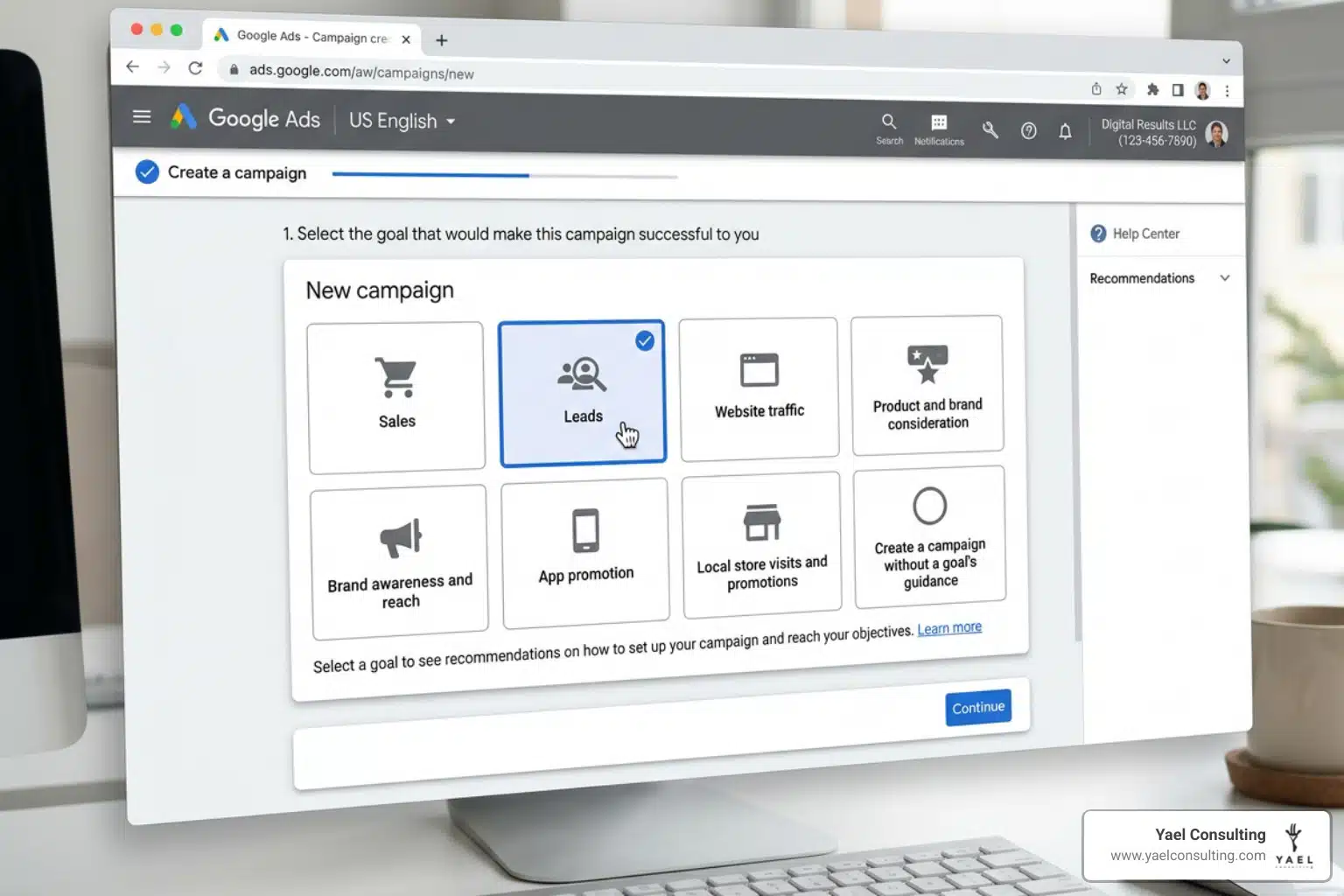
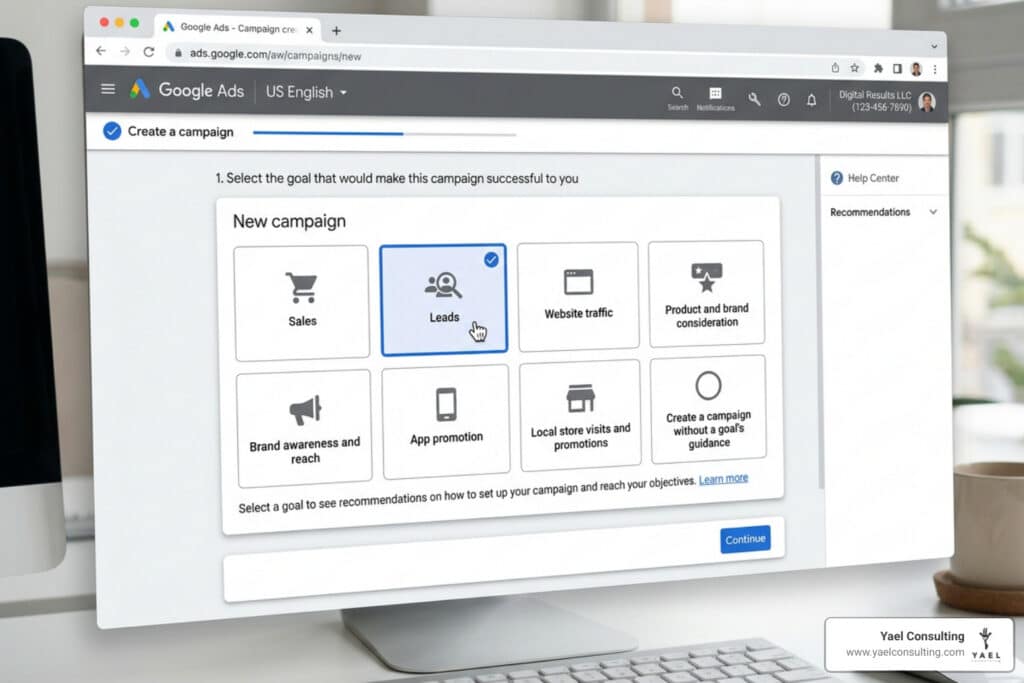
- Choose Your Goal: Start by creating a new campaign and selecting “Leads” or “Sales” as your goal.
- Select Campaign Type: Choose “Search” as your campaign type.
- Select Ways to Reach Goal: Check the box for “Phone calls” and enter the business phone number you want to use.
- Campaign Settings: Under “Networks,” we recommend deselecting “Google search partners” initially to maintain tighter control over your traffic quality.
- Enable Call Reporting: This is crucial. Go to your Account Settings and ensure Call Reporting is turned “On.” This allows Google to use Google Forwarding Numbers (GFNs) to track the details of every call.
Google allows you to track five different types of conversions, but for call-only ads, we are primarily focused on “Calls from ads.”
Configuring Conversion Tracking and Reporting
You don’t just want to know if someone called; you want to know if it was a good call. This is where conversion tracking comes in.
When setting up your conversion action, you can define a “minimum call length” (e.g., 60 seconds). Any call shorter than this won’t count as a conversion, helping you filter out misdials or telemarketers. By using GFNs, Google can report on the caller’s area code, call start time, and whether the call was connected. For a deeper dive, follow this step-by-step call tracking setup guide from Google.
Crafting High-Converting Ad Copy
In a call-only ad, your phone number is the headline. This means your remaining text needs to work double-time to convince the user to tap that call button.
- Business Name: Use your actual business name to build trust.
- Headlines: You have two headlines (30 characters each). Use them to state your value proposition or offer (e.g., “Emergency Plumber – 24/7” or “Free Case Evaluation”).
- Descriptions: You have two description lines (90 characters each). Use these to list services or create urgency.
- Final URL: While optional, including a final URL is recommended as it allows Google to display your website link, which provides additional “proof” of your business’s legitimacy to the user.
To see these ads in action, you can watch call-only setup videos on our education page.
Advanced Optimization and Call Only Ads Training for Maximum ROI
Once your campaign is live, the real call only ads training begins: optimization. Because every click costs a premium, you cannot afford to be sloppy with your targeting.
Ad Scheduling and Dayparting
One of the biggest mistakes we see is running call-only ads when no one is there to answer the phone. Research shows that 80% of callers won’t leave a message if they hit voicemail.
Data indicates that call ads scheduled during business hours delivered 25.4% more call conversions than those left to run 24/7. Use the “Ad Schedule” feature to ensure your ads only appear when your team is ready to pick up. You can learn how to use ad scheduling effectively to protect your budget.
Location and Keyword Strategy
- Location Presence: In your location settings, choose “Presence: People in or regularly in your targeted locations.” This prevents your ads from showing to people who are just “interested” in your location but aren’t actually there to receive your service.
- Exact Match Keywords: Because call-only CPCs are high, we often recommend starting with Exact Match keywords. This ensures you aren’t paying for “research” clicks and are only appearing for high-intent searches like “locksmith near me.”
- Negative Keywords: Regularly check your search terms report. If you see terms like “jobs,” “salary,” or “free,” add them as negative keywords immediately.
Overcoming Common Call Campaign Challenges
High CPC: Yes, the cost per click is higher, but the lead quality is often superior. Focus on the ROI, not just the CPC. If a $50 click results in a $5,000 roofing contract, that’s a win.
Accidental Clicks: Some users click the ad thinking it will take them to a website. To combat this, be explicit in your ad copy. Use phrases like “Call us directly for a quote” to set expectations. We have more tips on effective call-to-action strategies to help you refine your messaging.
Spam and Missed Calls: If you are getting too many spam calls, consider using a third-party call tracking software that includes a “whisper” message or a brief IVR (“Press 1 to speak to a specialist”) to filter out bots.
Integrating Call Ads with Retargeting and Assets
Don’t treat call-only ads as an island. You can use call assets (formerly extensions) to provide more information. Even in a call-focused ad, you can add:
- Location Assets: Shows how close you are to the caller.
- Callout Assets: Highlights “Free Estimates” or “Licensed & Insured.”
- Structured Snippets: Lists specific services like “Residential, Commercial, Industrial.”
You can also create remarketing lists based on call duration. For example, you might want to show a specific retargeting banner ad to anyone who called for more than 60 seconds but didn’t book an appointment.
Frequently Asked Questions about Call Only Ads Training
Are call-only ads being discontinued?
No, but they are evolving. Google is moving toward a more unified “Responsive Search Ad” model where call functionality is integrated. However, the ability to prioritize phone calls as the primary action on mobile remains a core feature of the Google Ads ecosystem.
Why is my CPC higher on call-only campaigns?
You are essentially “skipping the line.” By bypassing the landing page, you are getting a direct connection to a high-intent lead. Because these leads are more likely to convert into immediate revenue, the auction for these spots is more competitive, driving up the price.
How do I track calls that didn’t come from the ad click?
To track calls from people who visited your website after seeing an ad, you’ll need to use Dynamic Number Insertion (DNI). This requires a snippet of code on your site that swaps your regular phone number for a tracking number when a visitor arrives via Google Ads.
Conclusion
Mastering call only ads training is about more than just clicking the right buttons in Google Ads; it’s about understanding the psychology of the mobile user and being there at their moment of highest intent. When done correctly, these campaigns can be the most profitable part of your marketing mix.
At Yael Consulting, we’ve spent over 15 years perfecting these strategies. As a boutique agency, we offer a level of CEO involvement and proprietary technology that larger firms simply can’t match. We also believe in one-client-per-market exclusivity—if we’re working with you, we aren’t working with your competitor down the street.
Ready to see how your current campaigns stack up? We offer a free, actionable 15-minute Google Ads analysis where we’ll show you exactly where you’re wasting money and how to fix it. Get a professional Google Ads audit today and let’s start making your phone ring with the right customers.